Customers
Ask a question and get the right answer.
- Find products and check availability
- Understand options and offers
- Get help in their own language
- Check out without a queue

Solutions
Smarter customer experiences wherever people walk in with a question: forecourt shops, supermarkets, fashion stores, cafés and hotels.
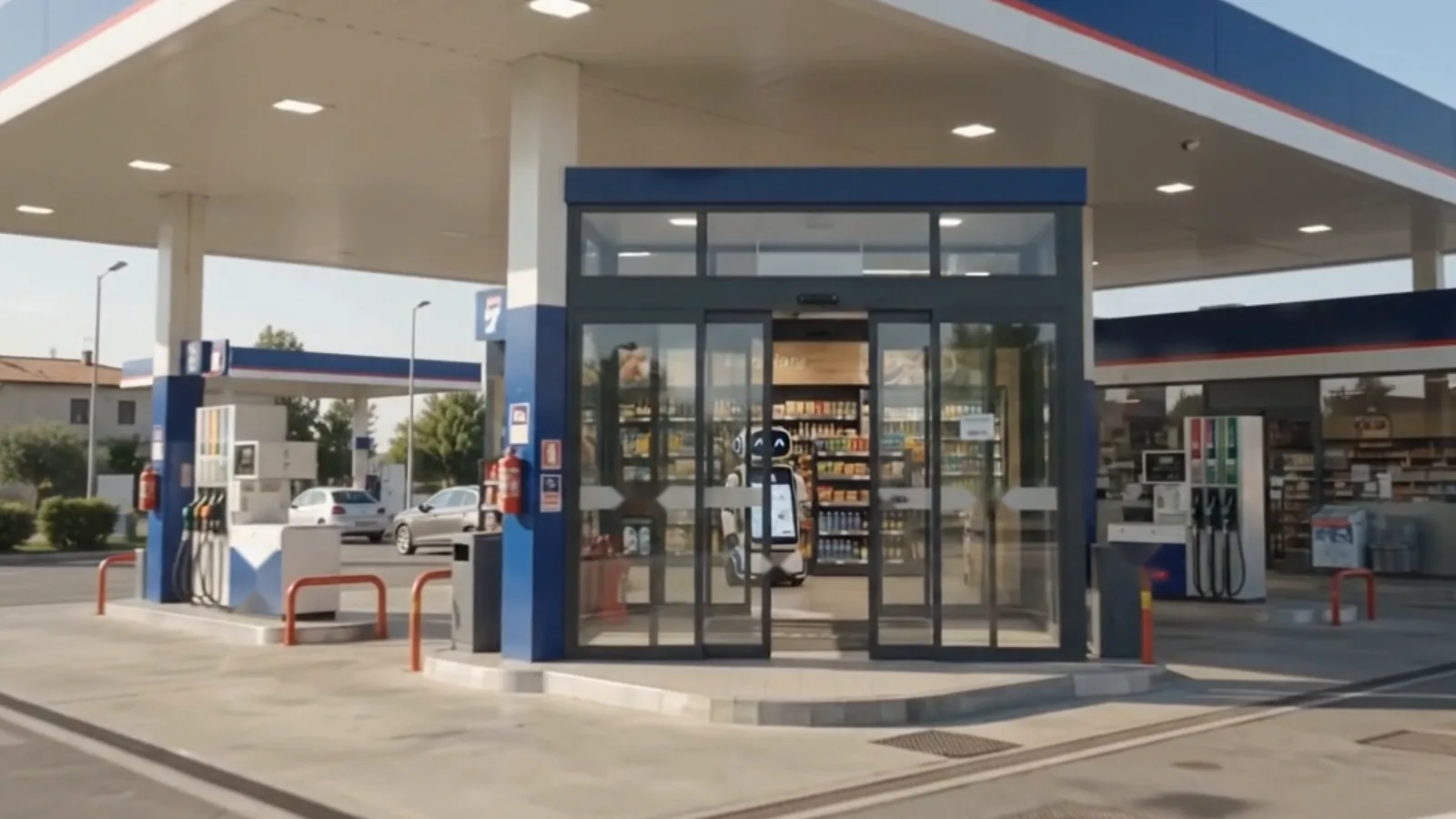
Drivers stop for minutes, not hours. ALADINO greets them at the entrance and gets them to what they came for.

The most common question in any store is “where is it?”. ALADINO answers with stock, variants, price and the exact shelf.
Shoppers compare, hesitate and ask. ALADINO shows options on screen next to the product and brings in an advisor when the request needs one.
ALADINO presents what is available, recommends what goes well together and explains the current deals.
Guests arrive with luggage and questions. ALADINO welcomes them in their language and hands over to the team when a person is needed.
Concept visuals.
Who it is for
Ask a question and get the right answer.
Spend time on the requests that need a person.
See what customers want and what converts.
How a rollout runs
Finalise features, user journeys and business rules.
Design the customer, team and dashboard experiences.
Build the assistant and the core conversation experience.
Connect product, stock, pricing and location information.
Connect customer profiles and interaction records.
Add promotions, recommendations and related logic.
Build business insights and reporting.
Test the complete journey and prepare the production release.
Timeline and cost are confirmed once the scope, the integrations and the screens are agreed.
Roadmap
ALADINO is an intelligent customer assistant. It helps people find products, understand options, discover offers and get help inside a store. At the same time it records customer and product activity, so the business can understand what people want and how they behave.
No. ALADINO handles routine questions. When a request needs a person, such as a complaint, a complex enquiry or a sales opportunity, it passes the conversation to your team with the context attached.
Customers can speak or type in a supported language, and the conversation and interface switch with them. Our demos show English, Italian, Arabic, French, Simplified Chinese and Russian. The languages for your first release are agreed during scoping.
ALADINO is designed to work with your point of sale, inventory, marketing and offers, loyalty programme and store operations data, plus external systems such as ERP and e-commerce. The specific connections, and how often stock information is refreshed, are agreed for each deployment.
The customer scans their products, reviews the bill and pays through a payment QR or a supported digital wallet. ALADINO then confirms the payment and provides a digital receipt. The payment provider is confirmed during implementation.
Searches, products viewed, offers shown and accepted, recommendations, purchases and requests that needed the team. Dashboards turn this into answers: what is searched most, what sells, which offers work and where interest is not turning into purchases.
Both depend on the scope of the first release, the integrations and the number of screens. We confirm them with you after the scoping phase.
Bring your products, your offers and your questions. We will show you how ALADINO answers them.

Hello. Would you like to see ALADINO in your store?
Pick a topic and WhatsApp opens with your message ready to send.